Overview of OpenClaw
OpenClaw APK is a powerful personal AI assistant designed for users who want more than simple chat based tools. Unlike traditional AI apps, OpenClaw focuses on multi agent routing, workflow automation, and modular skills to create a complete productivity ecosystem.
This platform is compatible with Android devices through APK installation, and it can also be adapted for web or local environments depending on the setup. I decided to try OpenClaw because I wanted a tool that could not only answer questions but also automate tasks, manage workflows, and simulate a team of AI assistants working together.
User Interface and Navigation
The interface of OpenClaw is structured to balance power and usability. It includes three main areas that define the user experience.
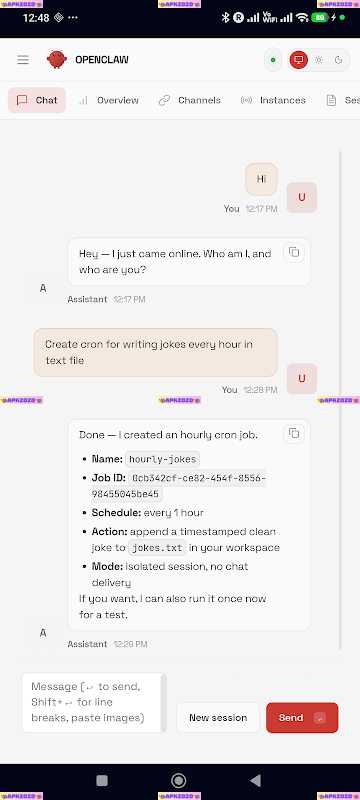
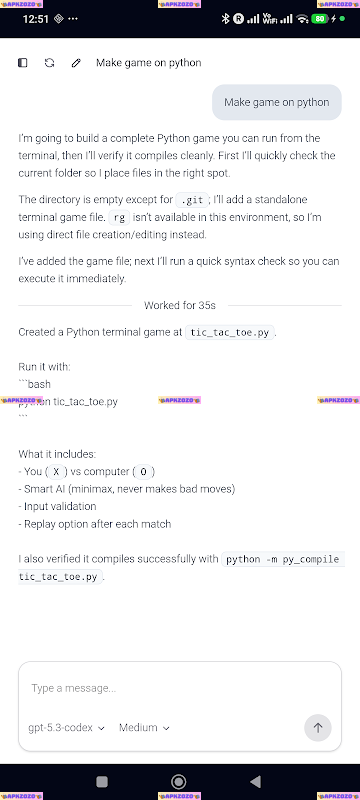
First is the chat panel, where users interact with AI using natural language. This works similarly to standard AI tools but supports deeper context and workflow triggering.
Second is the Canvas workspace, a visual environment where users can build workflows using nodes. Each node represents an agent, skill, or process, and connections define how data flows between them.
Third is the dashboard, which provides an overview of sessions, running tasks, and scheduled workflows. Navigation is smooth, and switching between chat, Canvas, and task management feels intuitive once you understand the system.
Interesting Features in OpenClaw
- Multi Agent Routing System: OpenClaw automatically breaks down tasks and assigns them to specialized AI agents. This allows complex requests to be handled more efficiently and accurately.
- Skills System for Modular Capabilities: The app includes a flexible skills system that acts like plugins. Users can add functions such as content generation, data analysis, or API integration to extend what the AI can do.
- Canvas Visual Workflow Builder: The Canvas lets users design workflows visually. You can drag, connect, and organize multiple agents into a structured automation pipeline.
- Task Scheduling and Automation: Users can schedule workflows to run automatically. This is useful for recurring tasks such as reports, monitoring, or content creation.
- Session Management System: OpenClaw allows you to manage multiple sessions, keeping projects separate and organized. Each session stores context, history, and workflow states.
- Hybrid Chat and Workflow Interaction: You can control workflows directly through chat. For example, a simple instruction can trigger a multi step automation process behind the scenes.
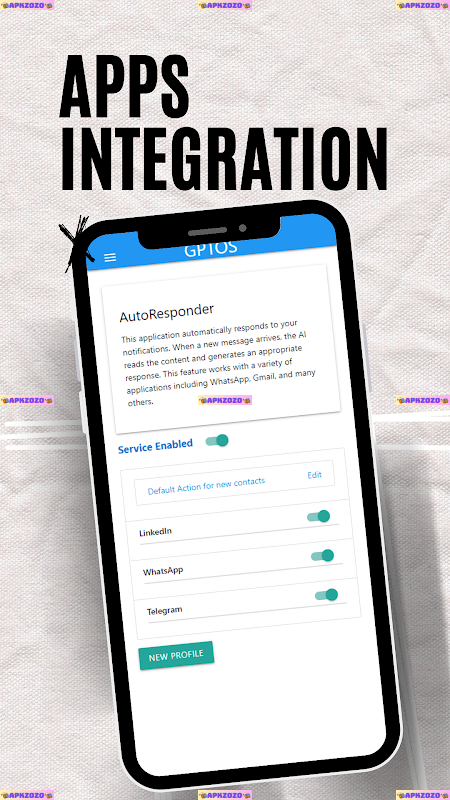
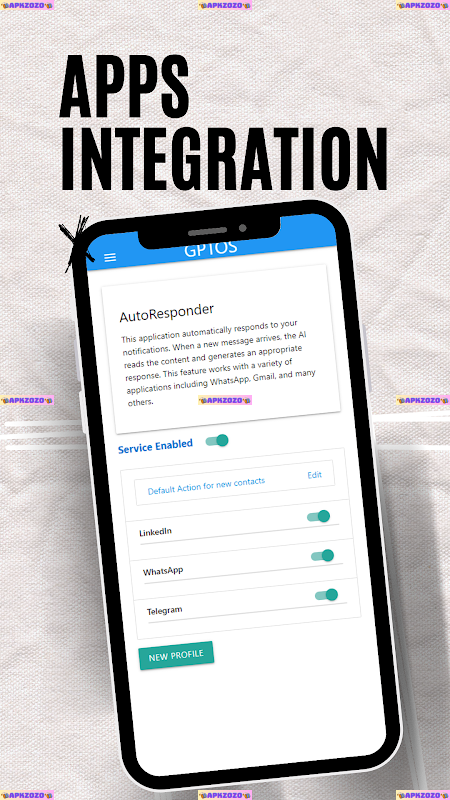
- Integration and API Connectivity: The platform supports connections to external services, enabling real time data retrieval and cross platform automation.
Highlights and Limitations
Highlights
- Highly advanced AI system with multi agent collaboration
- Visual workflow builder reduces the need for coding
- Flexible skills system allows deep customization
- Supports automation and scheduling for productivity
- Suitable for both technical and creative workflows
Limitations
- Requires time to learn and understand the system
- Interface may feel complex for beginners
- Some features depend on proper configuration
- Not as simple as basic AI chat applications
How to Download OpenClaw
-
Enable Unknown Sources
Go to your Android device settings and enable installation from unknown sources to allow APK files.
-
Download the APK File
Visit APKZOZO and download the latest version of OpenClaw APK from a trusted source.
-
Install the APK
Open the downloaded file, follow the installation steps, and wait for the process to complete. Once installed, launch the app and begin setup.
Reliability and User Feedback
OpenClaw has received attention from AI enthusiasts and productivity communities for its flexibility and advanced design.
A Reddit user shared:
“This feels like building your own AI system instead of just chatting with one.”
A tech creator on YouTube noted:
“OpenClaw is closer to automation platforms than typical AI assistants. It is powerful if you take time to learn it.”
Overall, feedback highlights its strong capabilities but also mentions the learning curve.
Conclusion
OpenClaw stands out as a next generation AI assistant that focuses on automation, customization, and multi agent intelligence. It is not designed for casual users looking for quick answers, but for those who want to build workflows, automate tasks, and create a personalized AI system.
If you are interested in exploring the future of AI driven productivity, OpenClaw is definitely worth trying.
FAQs
What is OpenClaw used for
It is used for AI automation, workflow building, and managing complex tasks with multiple agents.
Does OpenClaw support task scheduling
Yes, it allows users to schedule and automate workflows based on time or triggers.
What is the Canvas feature in OpenClaw
Canvas is a visual builder where you can design workflows by connecting agents and tasks.
Is OpenClaw suitable for beginners
It can be used by beginners, but it is more suitable for users willing to learn advanced features.
Can OpenClaw integrate with other tools
Yes, it supports API connections and integrations with external platforms for extended functionality.